Add CSS to Text block – Moodle LMS
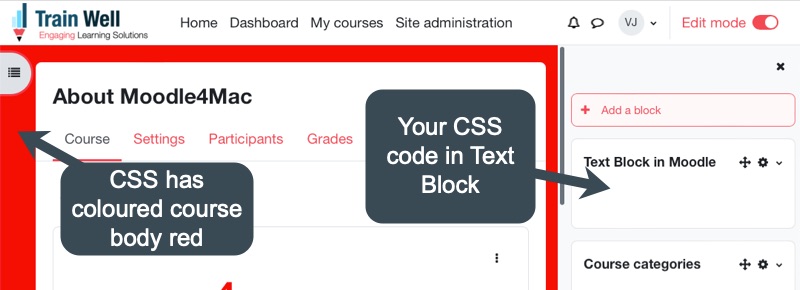
Any CSS we add to the Text Block gets deleted by Moodle LMS on Save. Add customs styles to an individual course page using this tip.

Any CSS we add to the Text Block gets deleted by Moodle LMS on Save. Add customs styles to an individual course page using this tip.
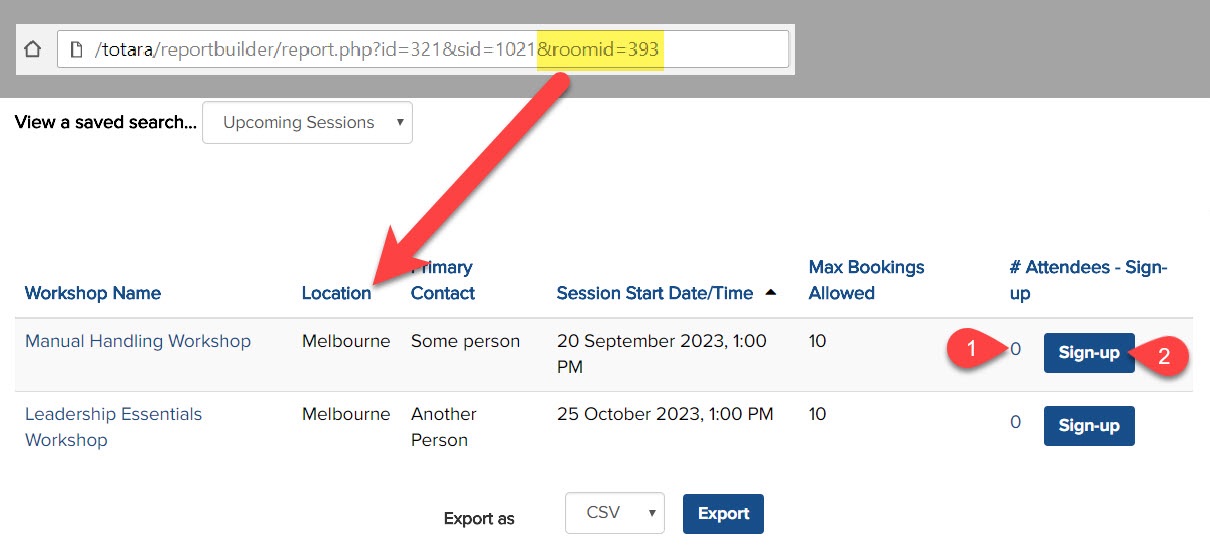
Totara Learn allows users the choice to choose training:
Via the training catalogue by searching for course/program
Via the training calendar by date (i.e. looking for training in next few weeks)
Use simple code to create a a third option for users to find learning; i.e. choose their location to see if there are any upcoming seminar events to attend at their site/location (i.e. Room).
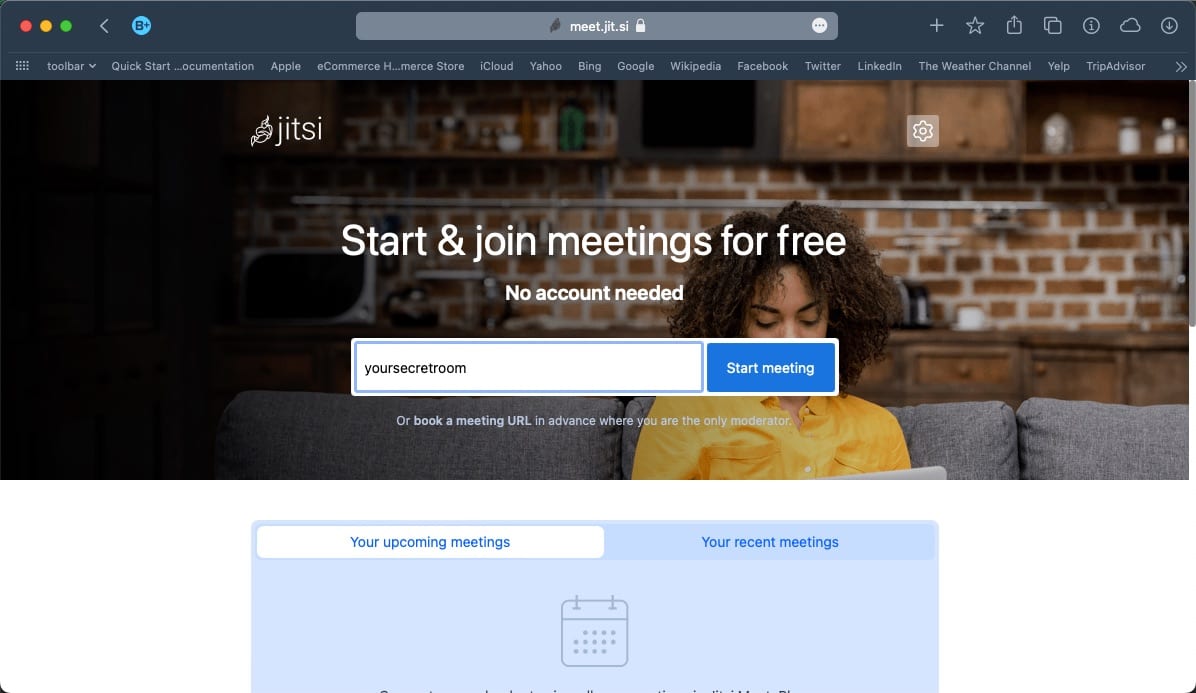
Jitsi is an open source, feature rich and free video conferencing platform that provides a reliable solution for individuals and organisations looking for a safe and privacy-focused way to connect online. I wrote a detailed post on Jitsi on my blog at https://vjdesign.com.au/jitsi-secure-free-video-conferencing/ Jitsi for trainers/teachers Jitsi is an easy to use tool for teachers, … Read more
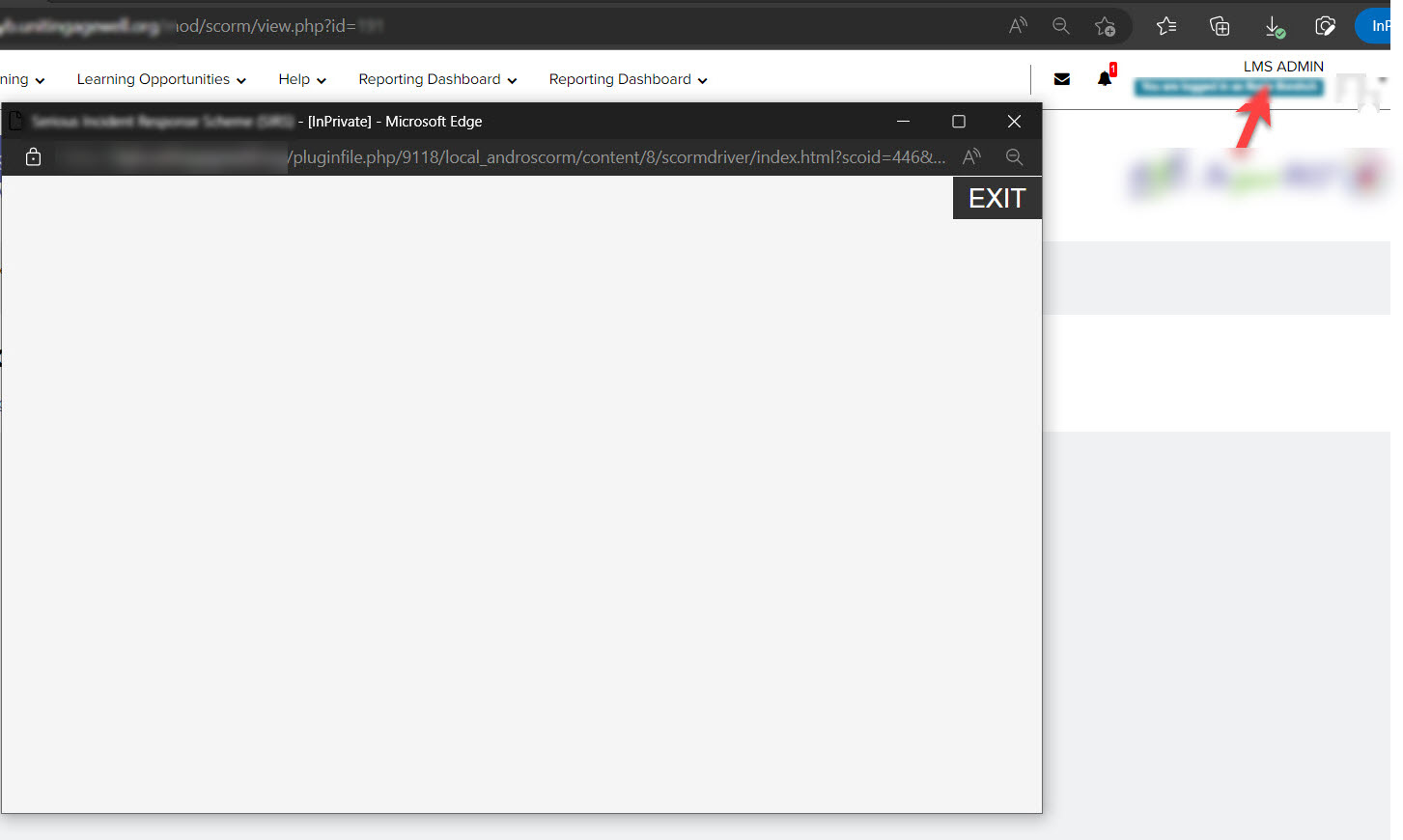
A SCORM module that works and has worked without issue for all users for more than a year but only shows a plain white screen (no content loads) for one user. I tried multiple browsers and devices; it only fails to load for the one user. Why did this happen? The user first attempted or … Read more
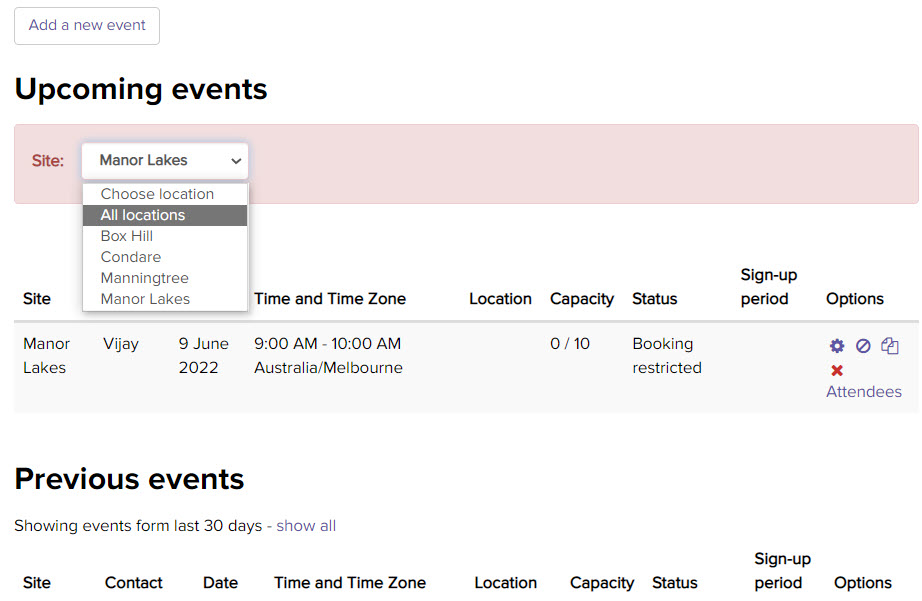
Do you need a simple filter to show/hide seminar events from a selected location in Totara LMS? We needed to run multiple events across multiple locations for our courses and we needed to do so across more than 50 different office locations. Since there may be 200 to 300 events every year for each course… … Read more
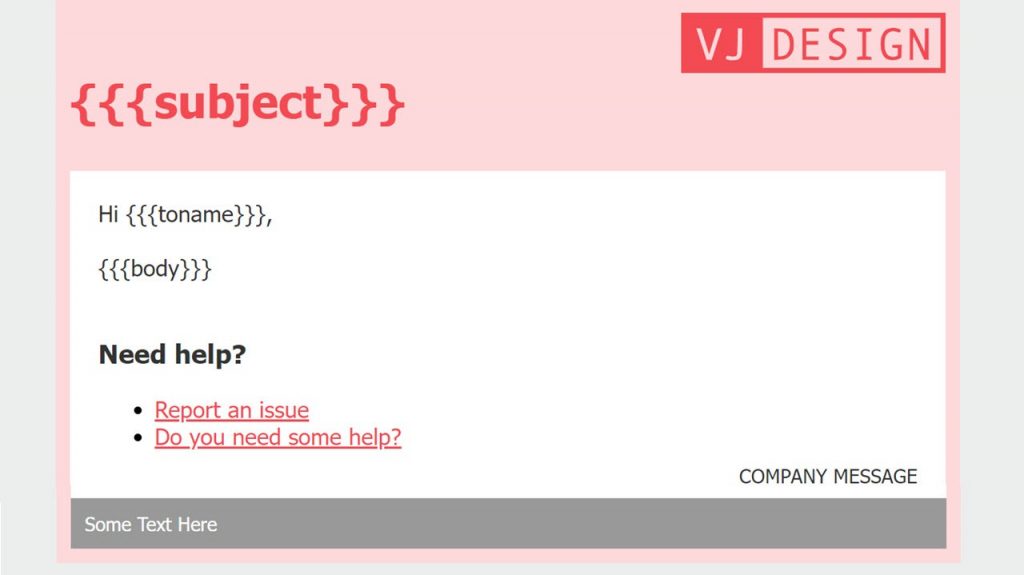
Save yourself the pain of coding your Totara email template from scratch. Brand your emails to look good in email clients like Outlook.
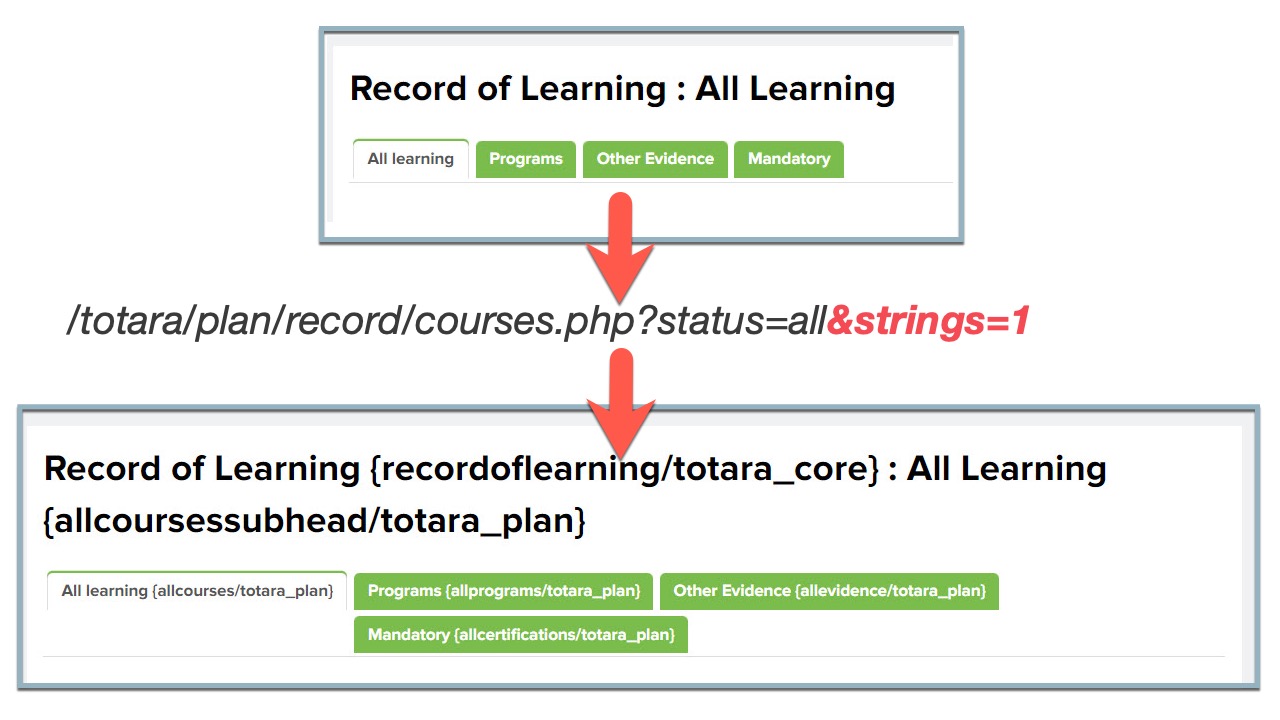
Use the &strings=1 parameter to show the origin of a language string and filter or find the correct string to modify e.g. ‘Other evidence’ in Record of Learning
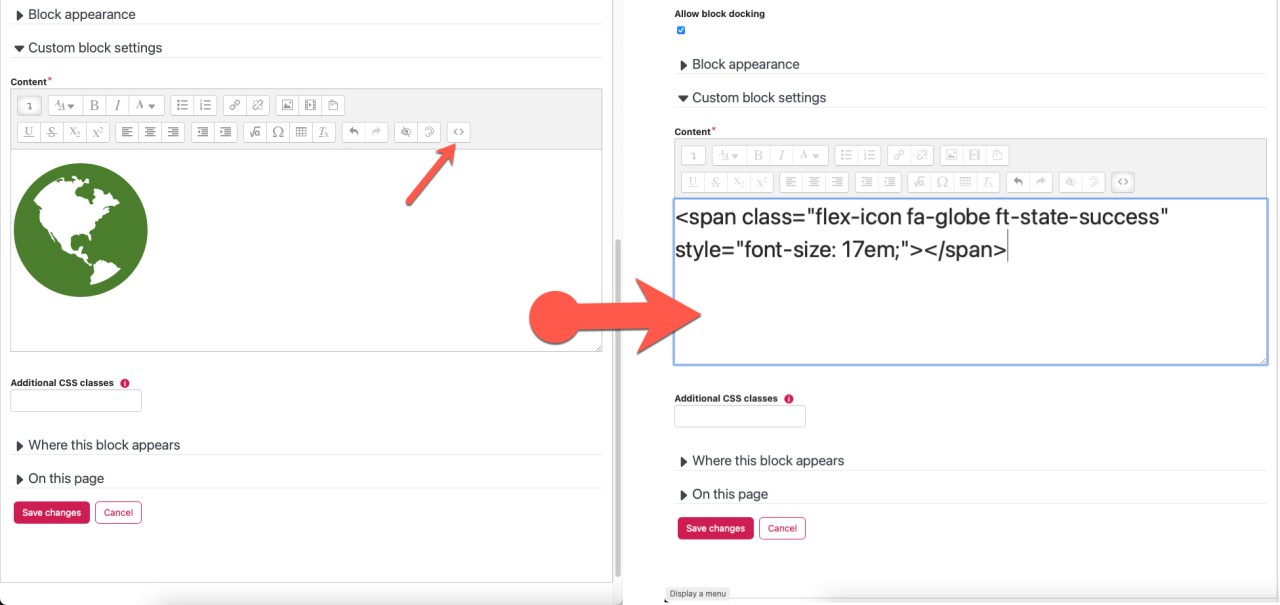
Use the SVG icons already available in Totara LMS rather than adding images. Add them as SPAN tag. Add classes to change icon size and colour.
Vijay Rudraraju (VJ)
I am a passionate Learning Management Systems (LMS) Administrator with 10+ years experience in administering learning systems, teaching, motivating, and directing learners. I am an experienced professional with a background in devising easy-to-use solutions for improved efficiency.
I publish articles and tips in managing LMS, building eLearning packages, project management and data analysis and reporting.

© 2025 Train Well - Engaging Learning Solutions